✅ Source ✅ Destination
With HG Insights + Eloqua, segment your marketing campaigns based on the quality and level of engagement of your Contacts.
What does this integration do?
Turning on the Eloqua integration is very useful if you want to:
send Eloqua data to HG Insights: your contact data in Eloqua (both customer attributes and customer events) are sent to HG Insights.
send your HG Insights data to Eloqua: your HG Insights predictive scores are sent to Eloqua which can then route to your other tools.
Some of the use cases include:
Send your leads’ customer data to HG Insights
Send HG Insights customer scores to Eloqua to improve lead qualification and lead profiles
Build your MQL and routing flows in Eloqua using HG Insights customer attributes
Evaluate the quality of campaign responses using HG Insights customer attributes
Supported objects
| Pull (Source) | Push (Destination) |
Contact | ✅ | ✅ |
Events | ✅ | NA |
Account | ❌ | ❌ |
Opportunity | ❌ | ❌ |
Custom objects | ❌ | ❌ |
How to set it up?
Log in to HG Insights
Go to Integrations
Click on Eloqua

Enter the Site Name, Username and Password for your Eloqua instance.
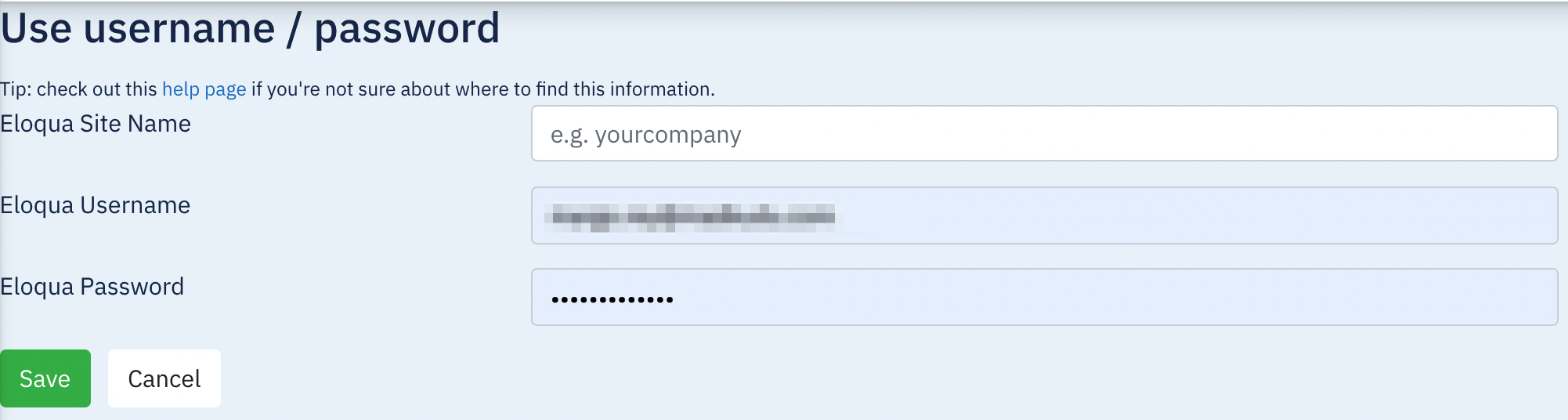
Click Save
You’re all set!
HG Insights will start pulling data from Eloqua. The list of fields being pulled by default will appear in the section "Pull".
HG Insights will start pushing scores during the Implementation phase after your onboarding, if you decide to receive the HG Insights data in HubSpot.
Supported Objects
| Pull (Source) | Push (Destination) |
Contact | ✅ | ✅ |
Page View | ✅ | NA |
Web Visit | ✅ | NA |
Form submission | ✅ | NA |
Email Open | ✅ | NA |
Email Click Through | ✅ | NA |
Unsubscribe | ✅ | NA |
Subscribe | ✅ | NA |
Custom Object | ❌ | NA |
Types of Data
What data is sent from Eloqua to HG Insights?
Through the connector, HG Insights can receive updated contact data from Eloqua every 45 minutes. You can specify which contact fields to pull by telling your account representative the field ID and API name.
However, the current capability is to pull all contacts. You cannot specify which contacts to pull based on a list or segment.
This data will be saved into the contacts table in your HG Insights instance.
What data is sent from HG Insights to Eloqua?
HG Insights sends your HG Insights enriched customer profiles to Eloqua.
F.A.Q
Do you send and receive data in real-time?
Currently, the connector is built to send and receive data every 4 to 6 hours (useful for batch models). If you require real-time data exchange, please contact your account representative to request for a custom process.